The gap between good Gherkin examples and bad ones comes down to one thing: behavior over button-clicks.
- Good Gherkin describes what the system does. Bad Gherkin scripts how a user clicks through the UI and breaks the moment that UI changes.
- Most broken scenarios share four flaws: vagueness, imperative steps, multiple behaviors crammed into one scenario, and copy-paste repetition.
- Every bad example here comes with a paste-ready fix, plus a quick-reference table you can save as a cheat sheet.
- Clean Gherkin matters more in the AI era because generated scenarios are often “almost right” and still need a human eye.
Treat each scenario as a contract for one behavior, and your feature files turn into living documentation instead of brittle scripts.
Writing good Gherkin examples is about describing behavior so clearly that a developer, a tester, and a product owner read the same scenario and picture the same thing. That skill is essential now that 84% of developers use or plan to use AI tools to help write code and specs. AI-generated scenarios tend to look correct while hiding subtle gaps.
This guide puts good and bad Gherkin side by side, explains exactly why each weak scenario fails, and hands you a fix you can paste in today. Pairing these habits with a modern test management platform built for writing and running Gherkin tests turns a tidy feature file into a quality workflow your whole team can rely on.
What Makes Good Gherkin Examples Good (and Bad Ones Bad)?
A scenario is “good” when it survives change. Business rules stay stable for years, while the UI gets redesigned every quarter. So good Gherkin examples describe rules and outcomes, not screens and selectors. Bad ones do the opposite, which is why they rot fast and fail on every refactor.
The One Principle Behind Every Good Scenario: Behavior, Not Buttons
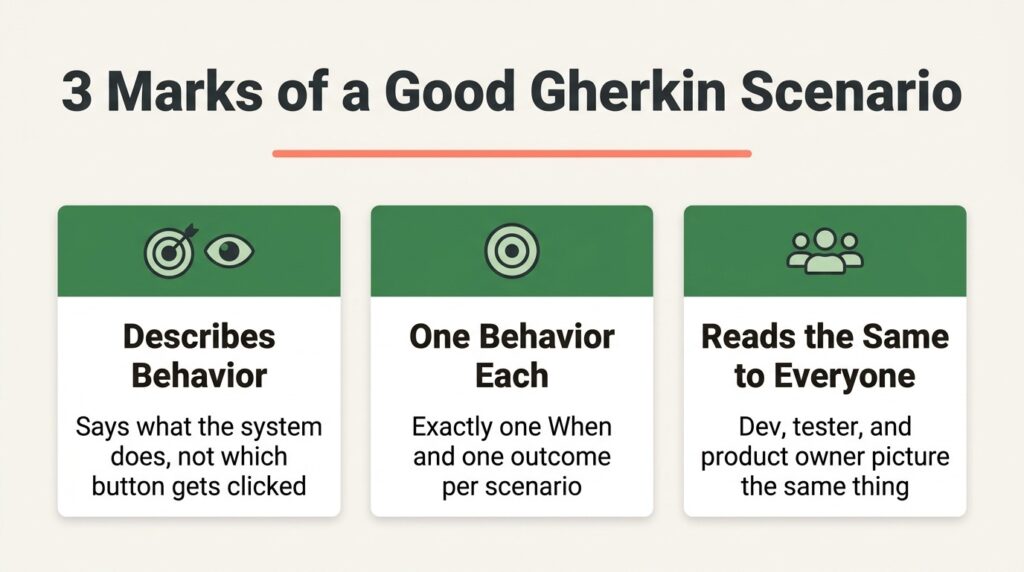
The single rule that fixes most weak scenarios is to write declarative steps instead of imperative ones. A declarative step says “the customer requests a refund.” An imperative step says “the user clicks the button with id refund-btn.” The official Cucumber guidance puts it simply: your scenarios should describe the intended behavior of the system, not the implementation. Ask yourself one question for every step: Would this wording need to change if the implementation changed? If yes, rewrite it.
Given, When, Then: State, Action, Outcome
Each keyword has a job, and mixing them up is where readability dies. Given sets up a state that already exists before the behavior runs. When triggers the single action you’re testing. Then asserts an observable outcome, and nothing more. A Given that performs an action is a When in disguise, and a Then that changes state is hiding the real assertion. Keep one When per scenario, and you’ve avoided half the mistakes in this article.
Good Gherkin Examples vs Bad: 5 Side-by-Side Fixes
Theory only goes so far, so here are five common failures with the exact fix for each. Read the bad block, note why it fails, then steal the rewrite. These examples cover the patterns that show up in almost every messy feature file.
Fix 1: Vague Steps Become Specific Behavior
Vague scenarios are the most common bad pattern. They use words like “log in” and “logged in” that mean nothing concrete.
# Bad
Scenario: Login
Given I am on the site
When I log in
Then I am logged in
Why it fails: nobody can tell what to build or what to assert. “Logged in” could mean a redirect, a welcome banner, or a session cookie. Here’s the fix.
# Good
Scenario: Registered user signs in with valid credentials
Given a registered user is on the login page
When the user signs in with valid credentials
Then the user lands on their account dashboard
Fix 2: Imperative UI Steps Become Declarative Behavior
This one glues every step to the current interface. It reads like a click-by-click script.
# Bad
Scenario: Free subscriber views an article
Given I open the browser
And I navigate to “/login”
When I type “user@test.com” in the “#email” field
And I type “Pass123” in the “#password” field
And I click the button with id “submit”
Then I see “Free Article” in the list
Why it fails: Change a field id or a route, and the spec breaks, even though the behavior never changed. The declarative version hides those details in the step definitions where they belong.
# Good
Scenario: Free subscribers see only free articles
Given a user with a free subscription is signed in
When the user opens the article library
Then only free articles are visible
Fix 3: Many Behaviors Become One Behavior Per Scenario
A scenario should test exactly one thing. This example stacks several actions and outcomes together.
# Bad
Scenario: Checkout
Given the cart has items
When the user checks out
Then payment succeeds
When the user checks out again with a bad card
Then an error appears
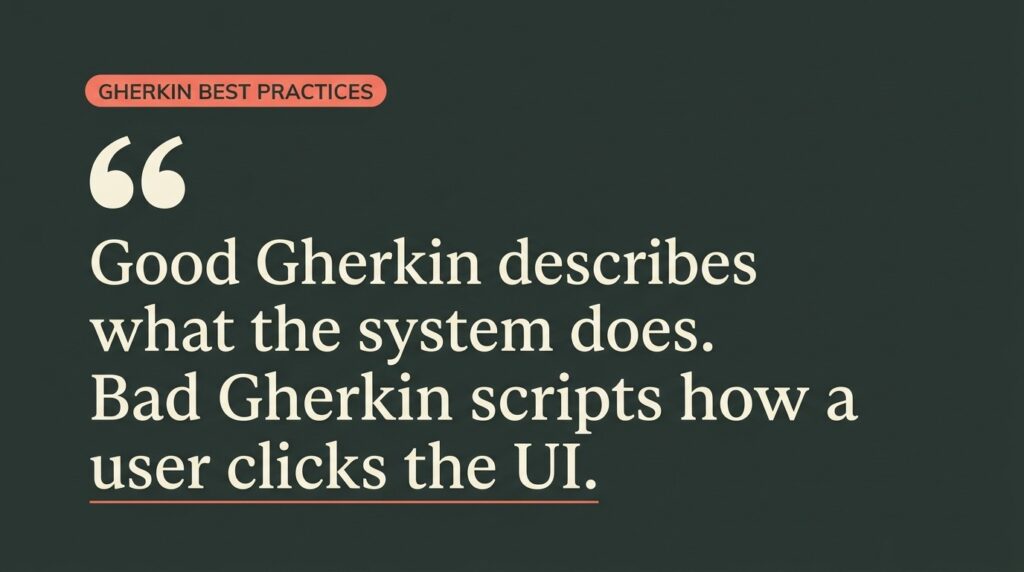
Why it fails: Two Whens means two behaviors, so when the test goes red, you can’t tell which one broke. Split it into independent scenarios.
# Good
Scenario: Successful checkout confirms the order
Given the cart has one item
When the customer completes checkout with a valid card
Then the order is confirmed
Scenario: Checkout with a declined card shows an error
Given the cart has one item
When the customer completes checkout with a declined card
Then a payment error is shown
Fix 4: Repetitive Scenarios Become a Scenario Outline
When you find yourself copy-pasting a scenario and changing one value, that’s the signal to parameterize. A Scenario Outline with an Examples table runs the same behavior across many inputs.
# Good
Scenario Outline: Cart discount applies above the threshold
Given a cart subtotal of <subtotal>
When the customer views the order summary
Then the grand total is <total>
Examples:
| subtotal | total |
| 50.00 | 50.00 |
| 100.00 | 100.00 |
| 101.00 | 90.90 |
This pattern expands coverage without bloating your feature file, and you update the structure in one place when rules change.
Fix 5: Repeated Setup Moves into Background
If every scenario in a file starts with the same two Given steps, pull them into a Background block so they run once before each scenario.
# Good
Background:
Given a signed-in customer
And an empty cart
Scenario: Adding an item updates the cart count
When the customer adds a product to the cart
Then the cart shows one item
One caution: use Background only for static preconditions like identity or configuration. Don’t put data-changing actions there because shared mutable state across scenarios makes test suites flaky.
What Are the Most Common Bad Gherkin Examples to Avoid?
Beyond the five fixes above, a handful of anti-patterns show up repeatedly in code reviews. Spotting these quickly is the fastest way to clean up an existing suite. Here are the bad Gherkin examples most worth hunting down and rewriting:
- Procedural scripts wearing BDD clothing. Putting Given/When/Then in front of a traditional step-by-step test does not make it behavior-driven. If the steps describe keystrokes, it’s still procedure-driven.
- Mixed first- and third-person voice. Switching between “I” and “the user” inside one scenario creates confusion about who is acting. Pick third person and stay consistent.
- CSS selectors and endpoints leaking into steps. The moment a Given mentions #submit-btn or /api/v2/cart, the scenario is testing implementation, not behavior.
- Meaningless titles. “Test 1” or “Verify login” tells a teammate nothing during test triage. A good title names one distinct behavior in a single line.
- Then steps that change state. A Then should assert, never act. If your Then is creating data, you’ve buried the real check.
- Giant feature files with no structure. Thirty scenarios in one file with no tags or grouping is a maintenance trap. Group by business capability and tag for selective runs.
- Scenarios written after the code ships. Skipping the discovery conversation defeats the whole point. Peer-reviewed research on BDD found that writing scenarios collaboratively before implementation reduces misunderstanding and cross-role misalignment early in the project.
For a more exhaustive rundown, this companion piece on Gherkin anti-patterns to avoid digs into each failure mode in detail.
Here’s the whole fix-it list in one place. Save this table as your cheat sheet and run it against any feature file before you commit.
| Bad Gherkin pattern | What goes wrong | The fix |
| Vague steps (“I log in”) | No one can build or assert it | Name the actor, action, and visible outcome |
| Imperative UI steps | Breaks on every UI change | Write declarative, behavior-level steps |
| Many behaviors per scenario | Can’t tell what failed | One When, one behavior, split the rest |
| Copy-paste scenarios | Drift and duplication | Scenario Outline with an Examples table |
| Repeated setup lines | Noise and fragility | Move static preconditions to Background |
| Meaningless titles | Slow triage and review | One clear sentence per behavior |
How Do You Keep Gherkin Test Cases Clean as Your Suite Grows?
Writing one good scenario is easy. Keeping a thousand of them readable, runnable, and trustworthy is the real challenge, and it’s where many teams give up on BDD. The Gherkin best practices in this guide build on the fundamentals covered in this complete guide to writing Gherkin tests. The next step is connecting those scenarios to execution so they don’t drift into documentation theater.

Connect Scenarios to Execution and Traceability
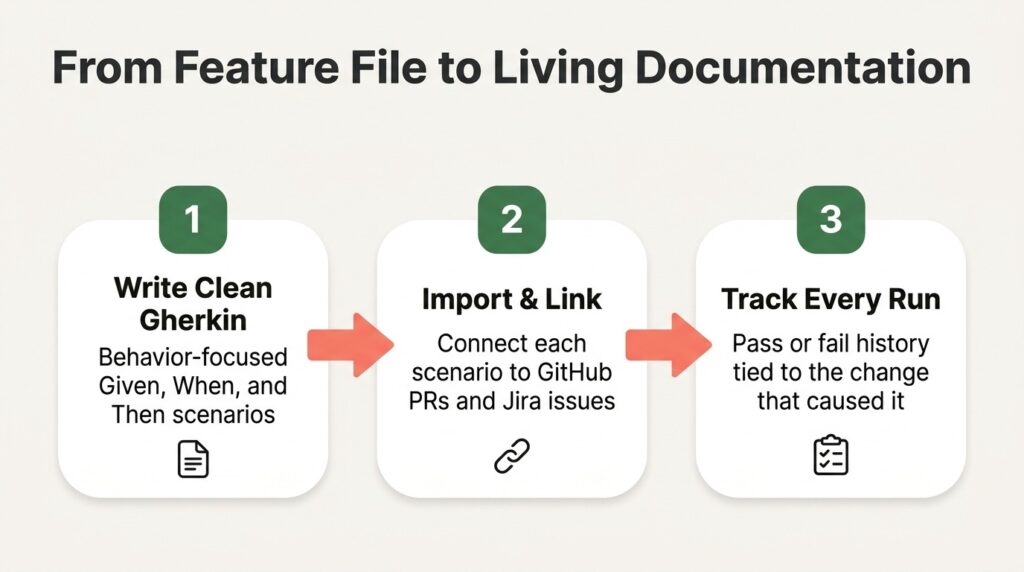
Feature files that live in a repo and never run quickly become stale. To stay useful, your Gherkin test cases need to map to actual test runs, link back to requirements, and show pass or fail history. That means importing your feature files into a system that can link scenarios to your GitHub pull requests and trace them to issues, so a failing scenario points straight at the change that caused it. When your specs drive real test management instead of sitting in a folder, they finally earn the “living documentation” label everyone promises.
Where AI Fits into Writing Gherkin Test Cases
AI is now writing a lot of Gherkin, and that raises the stakes on review. The developer survey found that 66% of respondents struggle with AI solutions that are almost right, but not quite. A generated scenario will mix imperative steps, double up behaviors, or invent a vague Then, all while looking polished. The smart move is to use AI to draft fast, then apply the fixes in this guide. Modern platforms are shifting toward an active intelligence layer, with QA agents that help generate behavior-focused scenarios with AI from a user story, output them in clean Gherkin, and flag the weak spots before they reach your suite. You write less boilerplate, and you still own the quality bar.
Good Gherkin Examples: Frequently Asked Questions
What’s the difference between good and bad Gherkin examples?
Good Gherkin examples describe behavior and outcomes in domain language that survives UI changes. Bad ones describe clicks, fields, and implementation details, so they break constantly and read like scripts. If a step would need rewording when the interface changes, it’s leaning toward bad.
How long should a Gherkin scenario be?
Short. Most strong scenarios fit in three to seven steps with a single When. If yours runs longer, you’re probably testing more than one behavior and should split it. Background blocks and Scenario Outlines help you cut length without losing coverage.
Should Gherkin steps use first or third person?
Third person, consistently. Modern apps are multi-user, so “I” gets ambiguous about which actor is doing what. Phrases like “the customer” or “an admin” keep the role explicit and the scenario easier to reuse.
When should I use a Scenario Outline instead of separate scenarios?
Use a Scenario Outline when the same behavior runs across multiple data inputs, like discount tiers or validation rules. Use separate scenarios when the behaviors genuinely differ, such as a successful path versus an error path. The rule of thumb: same steps, different data means an outline.
Can AI write good Gherkin test cases for me?
AI can quickly draft solid Gherkin, and it’s great for first passes and edge-case ideas. It also produces scenarios that look right but hide vague or imperative steps, so treat the output as a draft. Pair an AI test case generator with the Gherkin best practices and fixes in this guide, and review every scenario before it lands in your suite.
Ship Cleaner Scenarios Starting With Your Next Feature File
Clean Gherkin is a habit, and the fastest way to build it is to write scenarios your whole team can see, run, and trace in one place. That’s where an AI-powered QA platform earns its keep. TestQuality pairs structured test management with QA Agents and TestStory.ai, so you can generate behavior-focused scenarios with AI, drop them straight into test plans, and link every scenario to your GitHub pull requests and Jira issues. It works the same whether your code is human-written or AI-generated, surfacing the quality signals you need to ship with confidence. Start your free TestQuality trial and turn your next feature file into living, executable documentation.